debian

Package manager makes it easy to keep everything up-to-date. Usually you just
$ sudo apt-get update
$ sudo apt-get dist-upgrade
But what if there are questions? 'sudo apt-get -y install unattended-upgrades' makes computer do this while you sleep.
But what if you want to upgrade everything, right now? This article shows you instant, fully automatic version, no questions asked.
Debian 13-Trixie was installed as a virtual machine on a Debian Linux host.
On Linux hosts, virt-manager is fast and stable option. For Debian hosts, it's easy to install with apt-get.
Hundreds of Linux learners have installed Linux using versions of this guide since 2021.
Network interface is almost a like a "network card". Except it's not necessarily a physical card.
This short article tells you what names (like wlp4s and enp1s0) mean.
These are the new names used by Debian and other systemd distros.
Create a new virtual machine in 20 seconds. Install only packages from official, main Debian repositories. Does not need VirtualBox or NFS.
Short version for gurus: apt-get install vagrant vagrant-libvirt. Use vagrant normally, but disable NFS with config.vm.synced_folder ".", "/vagrant", disabled: true.
The rest of us can read on for full background and tutorial...
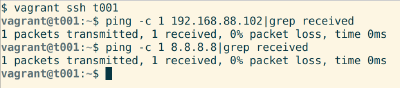
Start a two computer virtual network in minutes.
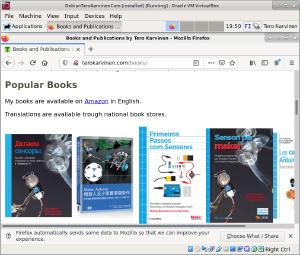
Install Debian Linux on VirtualBox. You can play with Linux even on Windows, before
you completely move to Linux.
This is a beginner friendly tutorial, with quazillion screenshots.