Siv manual
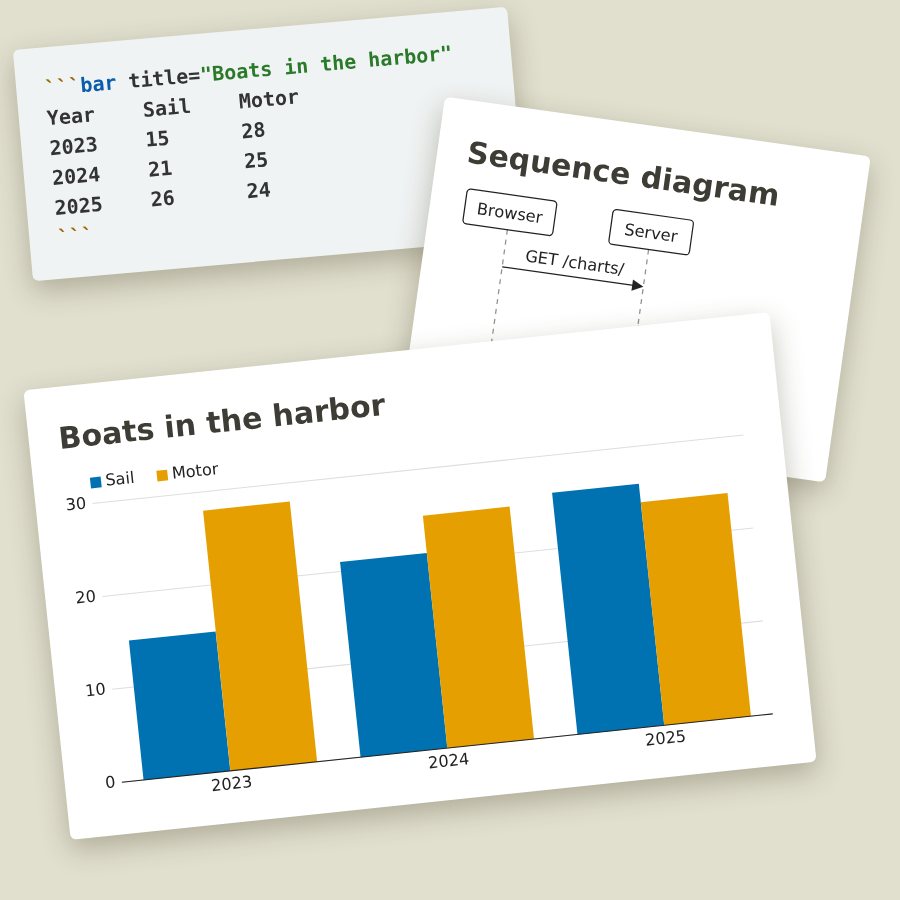
Siv turns folders of Markdown into a website. This manual goes from an empty folder to a published site, one step at a time.
You'll also learn the handy extras: charts from a few lines of text, checks in your editor while you write, and moving a page without breaking its old address.
All of this is also available in siv itself, without a network connection: 'siv help'.
Contents # ↑
- Getting started: your first article in the browser, in five minutes
- Writing with Markdown: text, lists, links, code and tables
- Images: photos with captions, layouts and sizes
- Charts and diagrams: bar, line and stack charts from text
- Pages, folders and addresses: front matter, dates, links and moving pages
- Lists, tags and the feed: the front page, tag pages, feeds and languages
- Changing the look: colors, fonts, dark mode, templates and HTML
- Publishing: copying the site to a server
- Checks and explanations: error messages and what they mean
- Editors: checks while you write, images and Tab completion
- Reference: every command, setting and front matter key
To read it all from start to end, search it or print it: the whole manual on one page. Artificial intelligence and many other tools were used when creating siv and the manual. Download siv and read more on the siv home page.